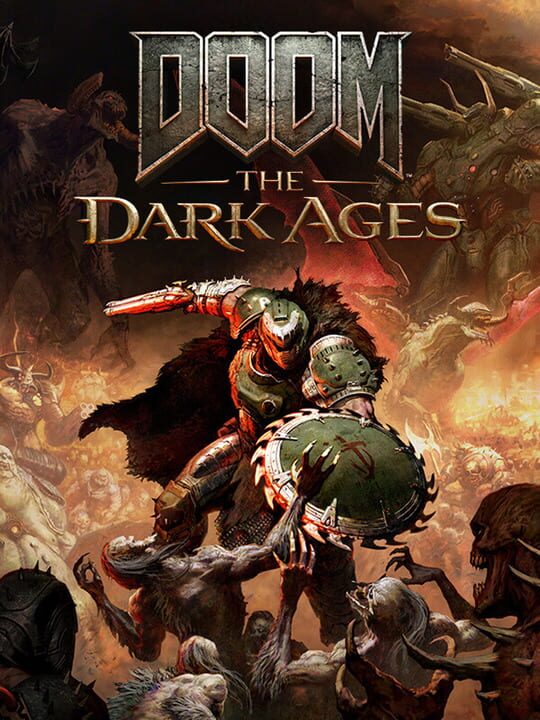
A Shooter game by id Software, released in 2025
A single-player first-person shooter and prequel to Doom (2016). Set in the dark medieval world of Argent D'Nur, players control the Doom Slayer in a grounded, weighty combat style that emphasizes strategic engagements over the acrobatic mobility of previous entries. The game introduces a Shield Saw for blocking and parrying, new melee weapons, and drivable vehicles including a cybernetic dragon and a massive mech. The narrative focuses on the Slayer's origin story with expanded cutscenes and character development.
Current lowest price for Doom: The Dark Ages PC key. Verified daily.
⚠️Unable to fetch store prices for Doom: The Dark Ages.Please try again later.
The official download size for Doom: The Dark Ages is 16 GB. Based on current hardware prices, this installation consumes approximately $0.96 worth of SSD storage space.
File Size
Est. SSD Cost
Estimated Time to Install
21 mins
Live player count and server population analysis.
There are currently 848 people playing Doom: The Dark Ages, retaining a dedicated core community despite lower mainstream numbers.
Manual backup locations for PC, Mac, and Linux.
SteamOS and Linux Proton performance analysis.
Don't let the "Unsupported" tag fool you. While Valve hasn't officially verified Doom: The Dark Ages, ProtonDB users report it runs perfectly (Gold/Platinum rating). You may need to force a specific Proton version.
PC system requirements - Minimum vs Recommended specs.
To run Doom: The Dark Ages smoothly, your PC needs at least 32 GB RAM RAM and a NVIDIA or AMD hardware Raytracing-capable GPU with 10GB dedicated VRAM or better (examples: NVIDIA RTX 3080 or better or equivalent GPU. Plan for 16 GB of storage.
Aggregated critic scores and player sentiment analysis.
Based on 6 critic reviews, Doom: The Dark Ages has received generally positive feedback. With a solid score of 87, it stands out as a strong entry in the shooter category, though it may have minor flaws.
Discover more games sharing similar genres.