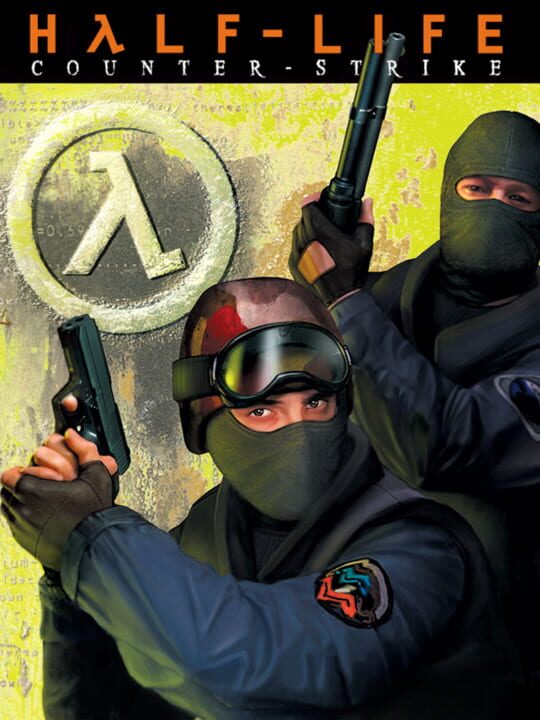
A Shooter game by Valve, released in 2000
Counter-Strike is a team-based multiplayer tactical first-person shooter in which players join either the Terrorist or Counter-Terrorist side and compete in objective-based rounds. The primary game modes involve bomb defusal and hostage rescue, played across designated maps. Players purchase weapons and equipment between rounds using money earned from eliminations and completed objectives, and eliminated players must wait until the next round to respawn. Originally a fan-made modification for Half-Life created by Minh Le and Jess Cliffe in 1999, it was acquired by Valve and released as a standalone retail product in 2000, becoming one of the most influential first-person shooters and spawning multiple sequels including Counter-Strike: Source, Global Offensive, and Counter-Strike 2.
Current lowest price for Counter-Strike PC key. Verified daily.
⚠️Unable to fetch store prices for Counter-Strike.Please try again later.
The official download size for Counter-Strike is 0.09375 GB. Based on current hardware prices, this installation consumes approximately $0.01 worth of SSD storage space.
File Size
Est. SSD Cost
Estimated Time to Install
0 mins
Live player count and server population analysis.
There are currently 6,632 people playing Counter-Strike, placing it in the top 5% of active games. The community is alive and well.
Manual backup locations for PC, Mac, and Linux.
SteamOS and Linux Proton performance analysis.
Don't let the "Unsupported" tag fool you. While Valve hasn't officially verified Counter-Strike, ProtonDB users report it runs perfectly (Gold/Platinum rating). You may need to force a specific Proton version.
PC system requirements - Minimum vs Recommended specs.
Counter-Strike has modest requirements. Most gaming PCs from the last 5 years should handle it.
Aggregated critic scores and player sentiment analysis.
Based on 2 critic reviews, opinion on Counter-Strike is divided. While it offers some unique shooter mechanics, the score of 70 suggests inconsistent execution. We recommend checking gameplay footage before buying.
Discover more games sharing similar genres.
