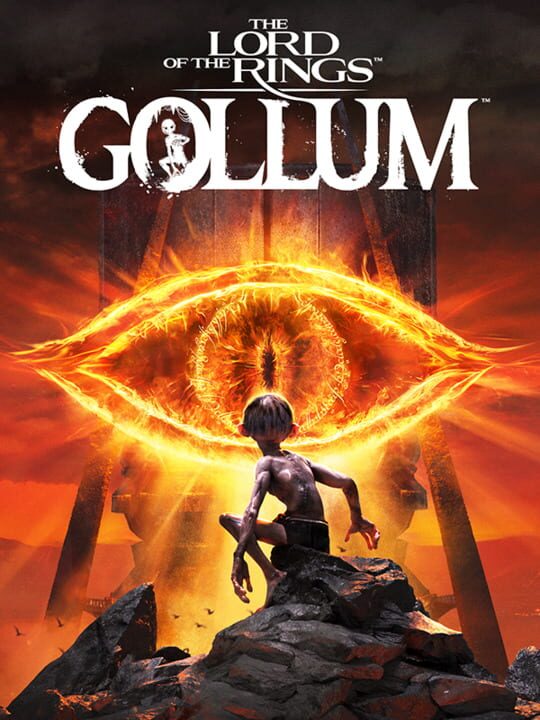
A Adventure game by Daedalic Entertainment, released in 2023
The Lord of the Rings: Gollum is an action-adventure game developed by Daedalic Entertainment. The game, set in the fictional world of Middle-earth created by J. R. R. Tolkien, takes place in between the events of The Hobbit and The Fellowship of the Ring. The player controls Gollum through a series of locations, such as Cirith Ungol, Barad-dûr, and Mirkwood, as he attempts to find Bilbo Baggins and retake the One Ring whilst battling and avoiding Sauron. The Lord of the Rings: Gollum released on 25 May 2023 for PlayStation 4, PlayStation 5, Windows, Xbox One and Xbox Series X/S. The game was a commercial failure and received negative reviews from critics. It was ranked by Metacritic as the worst game of 2023.
Current lowest price for The Lord of the Rings: Gollum PC key. Verified daily.
⚠️Unable to fetch store prices for The Lord of the Rings: Gollum.Please try again later.
The official download size for The Lord of the Rings: Gollum is 45 GB. Based on current hardware prices, this installation consumes approximately $2.70 worth of SSD storage space.
File Size
Est. SSD Cost
Estimated Time to Install
1h 1m
Live player count and server population analysis.
There are currently 3 people playing The Lord of the Rings: Gollum, indicating a niche or private community. Coordinate via Discord for best results.
Manual backup locations for PC, Mac, and Linux.
SteamOS and Linux Proton performance analysis.
Don't let the "Unsupported" tag fool you. While Valve hasn't officially verified The Lord of the Rings: Gollum, ProtonDB users report it runs perfectly (Gold/Platinum rating). You may need to force a specific Proton version.
PC system requirements - Minimum vs Recommended specs.
To run The Lord of the Rings: Gollum smoothly, your PC needs at least 16 GB RAM RAM and a NVIDIA GeForce RTX 3070 or equivalent GPU. Plan for 45 GB of storage.
Aggregated critic scores and player sentiment analysis.
The Lord of the Rings: Gollum has struggled to impress critics, sitting at a low score of 46. Common complaints cite technical issues or gameplay flaws. Only recommended for die-hard fans of the genre.
Discover more games sharing similar genres.
