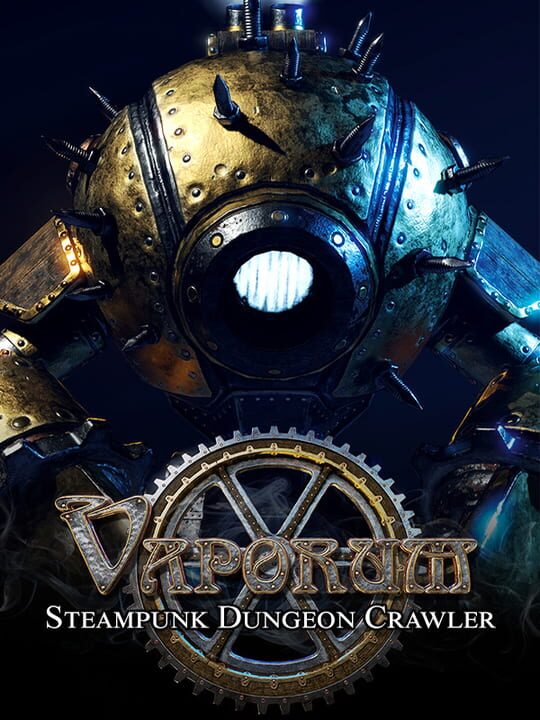
A Role-playing (RPG) game by Fatbot Games, s. r. o., released in 2017
Vaporum is a grid-based, single-player, single-character dungeon crawler game, seen from a first-person perspective in an original steampunk setting, and inspired by old-school games like Dungeon Master I and II, the Eye of the Beholder series, and the more recent Legend of Grimrock I and II. Each enemy type in Vaporum has a distinctive set of strengths, weaknesses, and attack and defense mechanisms, so you’ll have to employ different tactics to beat them. Choose wisely when equipping yourself with gear. Weapons differ from one another not only by damage levels and appearance, but also in their unique bonuses or behaviors.
Current lowest price for Vaporum PC key. Verified daily.
⚠️Unable to fetch store prices for Vaporum.Please try again later.
The official download size for Vaporum is 6 GB. Based on current hardware prices, this installation consumes approximately $0.36 worth of SSD storage space.
File Size
Est. SSD Cost
Estimated Time to Install
8 mins
Live player count and server population analysis.
There are currently 0 people playing Vaporum, Data pending.
Manual backup locations for PC, Mac, and Linux.
SteamOS and Linux Proton performance analysis.
Don't let the "Unsupported" tag fool you. While Valve hasn't officially verified Vaporum, ProtonDB users report it runs perfectly (Gold/Platinum rating). You may need to force a specific Proton version.
PC system requirements - Minimum vs Recommended specs.
To run Vaporum smoothly, your PC needs at least 6 GB RAM RAM and a NVIDIA GeForce GTX 960 2 GB video card or AMD equivalent or equivalent GPU. Plan for 6 GB of storage.
Aggregated critic scores and player sentiment analysis.
Based on 5 critic reviews, opinion on Vaporum is divided. While it offers some unique role-playing (rpg) mechanics, the score of 74 suggests inconsistent execution. We recommend checking gameplay footage before buying.
Discover more games sharing similar genres.
