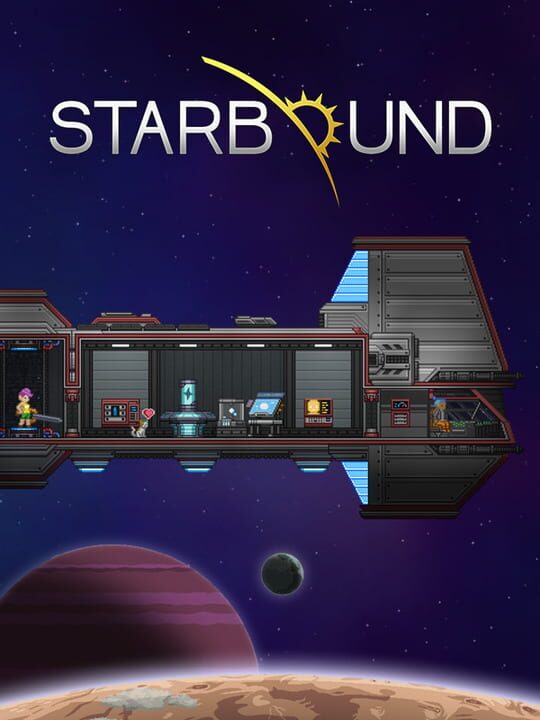
A Platform game by Chucklefish Games, released in 2016
You’ve fled your home, only to find yourself lost in space with a damaged ship. Your only option is to beam down to the planet below and gather the resources you need to repair your ship and set off to explore the vast, infinite universe… In Starbound, you create your own story - there’s no wrong way to play! You may choose to save the universe from the forces that destroyed your home, uncovering greater galactic mysteries in the process, or you may wish to forego a heroic journey entirely in favor of colonizing uncharted planets.
Current lowest price for Starbound PC key. Verified daily.
⚠️Unable to fetch store prices for Starbound.Please try again later.
The official download size for Starbound is 4 GB. Based on current hardware prices, this installation consumes approximately $0.24 worth of SSD storage space.
File Size
Est. SSD Cost
Estimated Time to Install
5 mins
Live player count and server population analysis.
There are currently 587 people playing Starbound, retaining a dedicated core community despite lower mainstream numbers.
Manual backup locations for PC, Mac, and Linux.
SteamOS and Linux Proton performance analysis.
Don't let the "Unsupported" tag fool you. While Valve hasn't officially verified Starbound, ProtonDB users report it runs perfectly (Gold/Platinum rating). You may need to force a specific Proton version.
PC system requirements - Minimum vs Recommended specs.
To run Starbound smoothly, your PC needs at least 4 GB RAM RAM and a Discrete GPU capable of directx 9.0c or equivalent GPU. Plan for 4 GB of storage.
Aggregated critic scores and player sentiment analysis.
Based on 5 critic reviews, Starbound has received generally positive feedback. With a solid score of 87, it stands out as a strong entry in the platform category, though it may have minor flaws.
Discover more games sharing similar genres.
