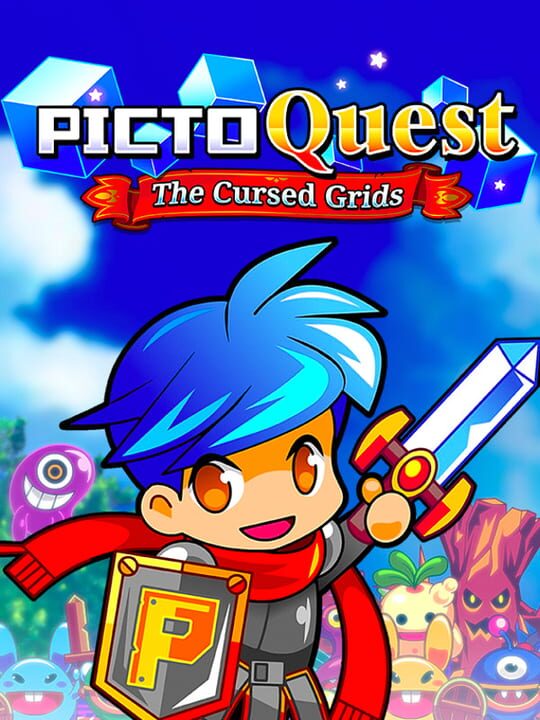
A Puzzle game by NanoPiko Games, released in 2019
Challenge your deductive skills by helping our two young heroes on their quest to bring the legendary paintings of Pictoria back! Look carefully at the numbers on the edges of the grid to stop the sneaky wizard Moonface... - Face plenty of grids and discover some beautifully animated enemies and artefacts! - Fight baddies (even bosses!) on the way. Be smart or you could be the target of a critical hit! - Having some issues with a specific puzzle? Head to the shop and spend some gold on powerful magic items. - Try to reach the end of the world map, one puzzle at a time. You'll find villagers giving you special missions, too! PictoQuest is an addictive game for everyone, come save the realm of Pictoria!
Current lowest price for PictoQuest: The Cursed Grids PC key. Verified daily.
⚠️Unable to fetch store prices for PictoQuest: The Cursed Grids.Please try again later.
The official download size for PictoQuest: The Cursed Grids is 0.48828125 GB. Based on current hardware prices, this installation consumes approximately $0.03 worth of SSD storage space.
File Size
Est. SSD Cost
Estimated Time to Install
0 mins
Live player count and server population analysis.
There are currently 3 people playing PictoQuest: The Cursed Grids, indicating a niche or private community. Coordinate via Discord for best results.
Manual backup locations for PC, Mac, and Linux.
SteamOS and Linux Proton performance analysis.
Don't let the "Unsupported" tag fool you. While Valve hasn't officially verified PictoQuest: The Cursed Grids, ProtonDB users report it runs perfectly (Gold/Platinum rating). You may need to force a specific Proton version.
PC system requirements - Minimum vs Recommended specs.
To run PictoQuest: The Cursed Grids smoothly, your PC needs at least 500 MB RAM RAM and a Graphics card with DX10 (shader model 4.0) capabilities or equivalent GPU. Plan for 0.48828125 GB of storage.
Pending critic evaluation. Check back soon for the official verdict.
Discover more games sharing similar genres.
