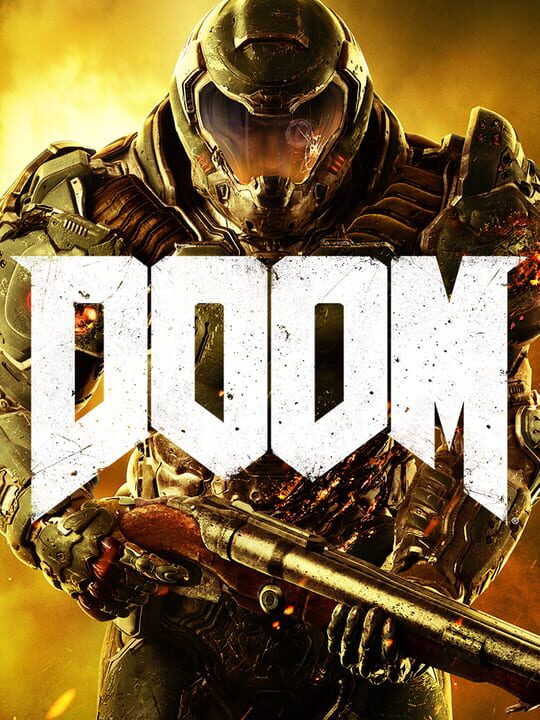
A Shooter game by id Software, released in 2016
Developed by id software, the studio that pioneered the first-person shooter genre and created multiplayer Deathmatch, Doom returns as a brutally fun and challenging modern-day shooter experience. Relentless demons, impossibly destructive guns, and fast, fluid movement provide the foundation for intense, first-person combat – whether you’re obliterating demon hordes through the depths of Hell in the single-player campaign, or competing against your friends in numerous multiplayer modes. Expand your gameplay experience using Doom SnapMap game editor to easily create, play, and share your content with the world.
Current lowest price for Doom PC key. Verified daily.
⚠️Unable to fetch store prices for Doom.Please try again later.
The official download size for Doom is 55 GB. Based on current hardware prices, this installation consumes approximately $3.30 worth of SSD storage space.
File Size
Est. SSD Cost
Estimated Time to Install
1h 15m
Live player count and server population analysis.
There are currently 500 people playing Doom, indicating a niche or private community. Coordinate via Discord for best results.
Manual backup locations for PC, Mac, and Linux.
SteamOS and Linux Proton performance analysis.
Don't let the "Unsupported" tag fool you. While Valve hasn't officially verified Doom, ProtonDB users report it runs perfectly (Gold/Platinum rating). You may need to force a specific Proton version.
PC system requirements - Minimum vs Recommended specs.
To run Doom smoothly, your PC needs at least 8 GB RAM RAM and a NVIDIA GTX 970 4GB/AMD Radeon R9 290 4GB or better or equivalent GPU. Plan for 55 GB of storage.
Aggregated critic scores and player sentiment analysis.
Based on 28 critic reviews, Doom has received generally positive feedback. With a solid score of 87, it stands out as a strong entry in the shooter category, though it may have minor flaws.
Discover more games sharing similar genres.