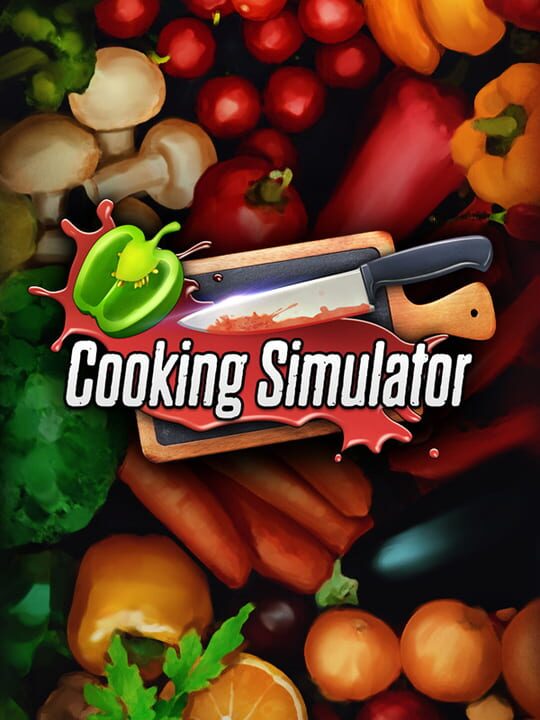
A Simulator game by Big Cheese Studio, released in 2019
Cooking Simulator is a single-player simulation game that recreates restaurant cooking using a physics-based engine and detailed kitchen mechanics. Players prepare a wide range of recipes from many ingredients, handling ovens, stoves, pots, pans, and utensils in a fully interactive kitchen. It includes several modes, such as a career mode where players run a kitchen and build up fame by filling orders, a free-form sandbox with no time limits, and a set of tutorials that teach the mechanics. Additional content adds themed kitchens and specialties like pizza, cakes, and cookies.
Current lowest price for Cooking Simulator PC key. Verified daily.
⚠️Unable to fetch store prices for Cooking Simulator.Please try again later.
The official download size for Cooking Simulator is 6 GB. Based on current hardware prices, this installation consumes approximately $0.36 worth of SSD storage space.
File Size
Est. SSD Cost
Estimated Time to Install
8 mins
Live player count and server population analysis.
There are currently 155 people playing Cooking Simulator, indicating a niche or private community. Coordinate via Discord for best results.
Manual backup locations for PC, Mac, and Linux.
SteamOS and Linux Proton performance analysis.
Don't let the "Unsupported" tag fool you. While Valve hasn't officially verified Cooking Simulator, ProtonDB users report it runs perfectly (Gold/Platinum rating). You may need to force a specific Proton version.
PC system requirements - Minimum vs Recommended specs.
To run Cooking Simulator smoothly, your PC needs at least 16 GB RAM RAM and a GTX 1060 6GB / RX 480 GB 8GB or equivalent GPU. Plan for 6 GB of storage.
Pending critic evaluation. Check back soon for the official verdict.
Discover more games sharing similar genres.
