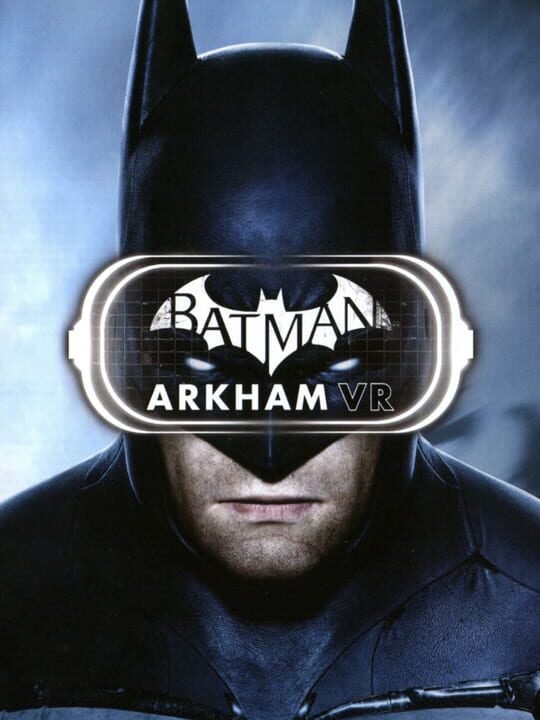
A Puzzle game by Rocksteady Studios, released in 2016
Your quest to clean up Gotham has only just begun – and now it’s even more terrifying than it’s ever been. Exclusive to PlayStation VR, Batman: Arkham VR lets you become the Dark Knight in a virtual reality recreation of the DC’s hero’s more iconic locations. Become the world’s greatest detective and explore places such as Wayne Manor and the Batcave as you battle in a brand new and personal story set in Rocksteady’s classic Arkham universe.
Current lowest price for Batman: Arkham VR PC key. Verified daily.
⚠️Unable to fetch store prices for Batman: Arkham VR.Please try again later.
The official download size for Batman: Arkham VR is 10 GB. Based on current hardware prices, this installation consumes approximately $0.60 worth of SSD storage space.
File Size
Est. SSD Cost
Estimated Time to Install
13 mins
Live player count and server population analysis.
There are currently 4 people playing Batman: Arkham VR, indicating a niche or private community. Coordinate via Discord for best results.
Manual backup locations for PC, Mac, and Linux.
SteamOS and Linux Proton performance analysis.
Batman: Arkham VR is playable on Steam Deck, but expect some friction. You might encounter small text or need to manually bring up the keyboard. Cap frame rate at 40FPS for battery life.
PC system requirements - Minimum vs Recommended specs.
To run Batman: Arkham VR smoothly, your PC needs at least 8 GB RAM RAM and a NVIDIA GeForce™ GTX 1060 / GTX 970 or AMD Radeon™ RX 480 or equivalent GPU. Plan for 10 GB of storage.
Aggregated critic scores and player sentiment analysis.
Based on 14 critic reviews, opinion on Batman: Arkham VR is divided. While it offers some unique puzzle mechanics, the score of 73 suggests inconsistent execution. We recommend checking gameplay footage before buying.
Discover more games sharing similar genres.
