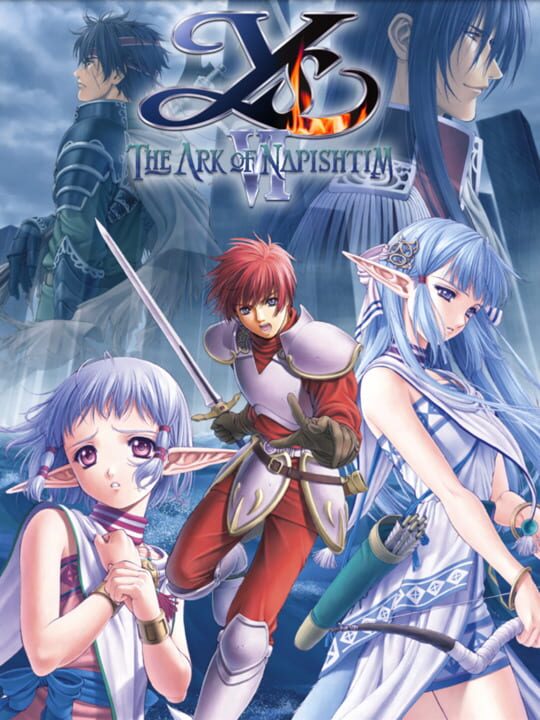
A Role-playing (RPG) game by Nihon Falcom, released in 2003
Ys VI: The Ark of Napishtim is an action role-playing game in which adventurer Adol Christin is shipwrecked on the Canaan Islands after the Romun fleet attacks his expedition. Rescued by members of the native Rehda tribe, he explores the archipelago and investigates the forces threatening its inhabitants. Combat takes place in real time and centers on three elemental swords, each providing distinct attacks and magical abilities. Players explore interconnected areas, collect equipment and items, and battle regular enemies and large bosses.
Current lowest price for Ys VI: The Ark of Napishtim PC key. Verified daily.
⚠️Unable to fetch store prices for Ys VI: The Ark of Napishtim.Please try again later.
The official download size for Ys VI: The Ark of Napishtim is 2 GB. Based on current hardware prices, this installation consumes approximately $0.12 worth of SSD storage space.
File Size
Est. SSD Cost
Estimated Time to Install
2 mins
Live player count and server population analysis.
There are currently 4 people playing Ys VI: The Ark of Napishtim, indicating a niche or private community. Coordinate via Discord for best results.
Manual backup locations for PC, Mac, and Linux.
SteamOS and Linux Proton performance analysis.
Don't let the "Unsupported" tag fool you. While Valve hasn't officially verified Ys VI: The Ark of Napishtim, ProtonDB users report it runs perfectly (Gold/Platinum rating). You may need to force a specific Proton version.
PC system requirements - Minimum vs Recommended specs.
To run Ys VI: The Ark of Napishtim smoothly, your PC needs at least 1 GB RAM RAM and a 32 MB VRAM or equivalent GPU. Plan for 2 GB of storage.
Aggregated critic scores and player sentiment analysis.
Based on 8 critic reviews, opinion on Ys VI: The Ark of Napishtim is divided. While it offers some unique role-playing (rpg) mechanics, the score of 72 suggests inconsistent execution. We recommend checking gameplay footage before buying.
Discover more games sharing similar genres.
