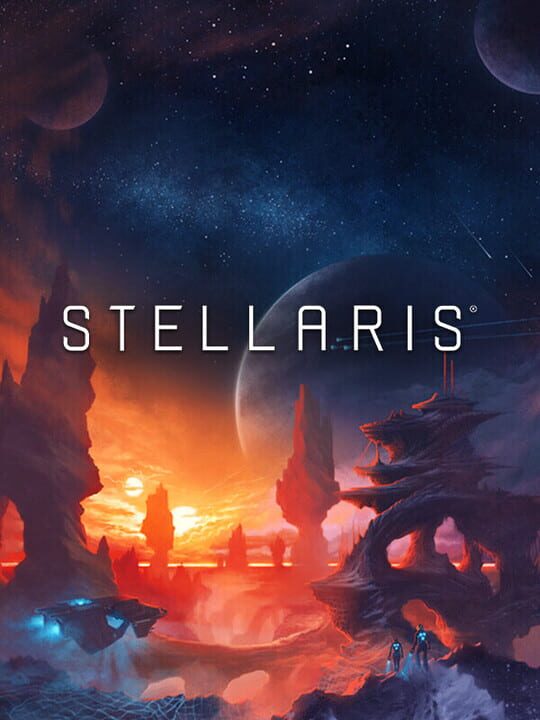
A Real Time Strategy (RTS) game by Paradox Development Studio, released in 2016
Stellaris is a real-time 4X grand strategy game set in a procedurally generated galaxy. Players control an interstellar civilization, exploring star systems connected by hyperlane networks, colonizing habitable worlds, and managing their empire's economy across resources like energy, minerals, and alloys. The game emphasizes empire customization through species traits, ethics, government types, and civics that shape both aesthetics and mechanics. Gameplay progresses through diplomacy, trade, and warfare with other civilizations, while mid-game and late-game galactic crises introduce escalating threats such as extragalactic invasions or hostile artificial intelligence awakenings. Players can pursue ascension paths including genetic engineering, cybernetic augmentation, or psionic abilities. Originally released for PC, the game later received a console edition and has been supported with numerous expansions adding megastructures, new empire types, espionage mechanics, and additional crisis scenarios.
Current lowest price for Stellaris PC key. Verified daily.
⚠️Unable to fetch store prices for Stellaris.Please try again later.
The official download size for Stellaris is 10 GB. Based on current hardware prices, this installation consumes approximately $0.60 worth of SSD storage space.
File Size
Est. SSD Cost
Estimated Time to Install
13 mins
Live player count and server population analysis.
There are currently 12,602 people playing Stellaris, which is a very healthy population. You will find matches instantly.
Manual backup locations for PC, Mac, and Linux.
SteamOS and Linux Proton performance analysis.
Don't let the "Unsupported" tag fool you. While Valve hasn't officially verified Stellaris, ProtonDB users report it runs perfectly (Gold/Platinum rating). You may need to force a specific Proton version.
PC system requirements - Minimum vs Recommended specs.
To run Stellaris smoothly, your PC needs at least 4 GB RAM RAM and a Nvidia® GeForce™ GTX 560 Ti (1GB VRAM) or AMD® Radeon™ R7 370 (2 GB VRAM) or equivalent GPU. Plan for 10 GB of storage.
Aggregated critic scores and player sentiment analysis.
Based on 11 critic reviews, Stellaris has received generally positive feedback. With a solid score of 79, it stands out as a strong entry in the real time strategy (rts) category, though it may have minor flaws.
Discover more games sharing similar genres.
