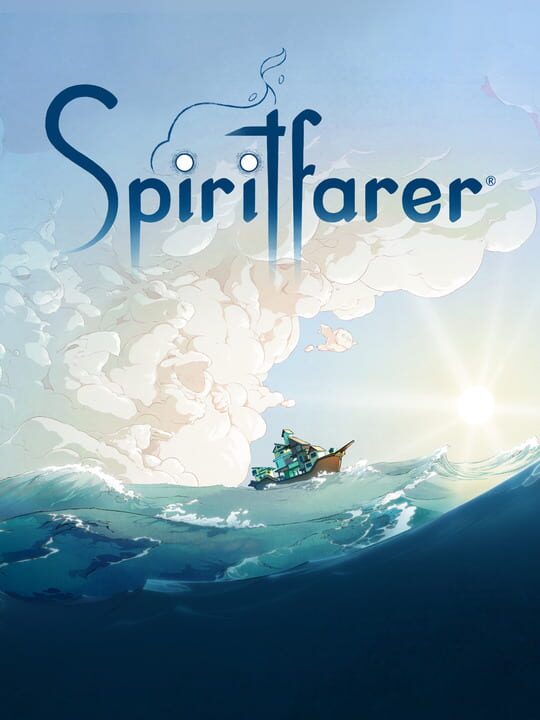
A Platform game by Thunder Lotus, released in 2020
Spiritfarer is a cozy management game about dying. You play Stella, ferrymaster to the deceased, a Spiritfarer. Build a boat to explore the world, then befriend and care for spirits before finally releasing them into the afterlife. Farm, mine, fish, harvest, cook, and craft your way across mystical seas. Join the adventure as Daffodil the cat, in two-player cooperative play. Spend relaxing quality time with your spirit passengers, create lasting memories, and, ultimately, learn how to say goodbye to your cherished friends. What will you leave behind?
Current lowest price for Spiritfarer PC key. Verified daily.
⚠️Unable to fetch store prices for Spiritfarer.Please try again later.
The official download size for Spiritfarer is 7 GB. Based on current hardware prices, this installation consumes approximately $0.42 worth of SSD storage space.
File Size
Est. SSD Cost
Estimated Time to Install
9 mins
Live player count and server population analysis.
There are currently 416 people playing Spiritfarer, indicating a niche or private community. Coordinate via Discord for best results.
Manual backup locations for PC, Mac, and Linux.
SteamOS and Linux Proton performance analysis.
Don't let the "Unsupported" tag fool you. While Valve hasn't officially verified Spiritfarer, ProtonDB users report it runs perfectly (Gold/Platinum rating). You may need to force a specific Proton version.
PC system requirements - Minimum vs Recommended specs.
To run Spiritfarer smoothly, your PC needs at least 4 GB RAM RAM and a DirectX 10-compatible graphics card with at least 1GB of video memory or equivalent GPU. Plan for 7 GB of storage.
Aggregated critic scores and player sentiment analysis.
Based on 7 critic reviews, Spiritfarer has received generally positive feedback. With a solid score of 88, it stands out as a strong entry in the platform category, though it may have minor flaws.
Discover more games sharing similar genres.
