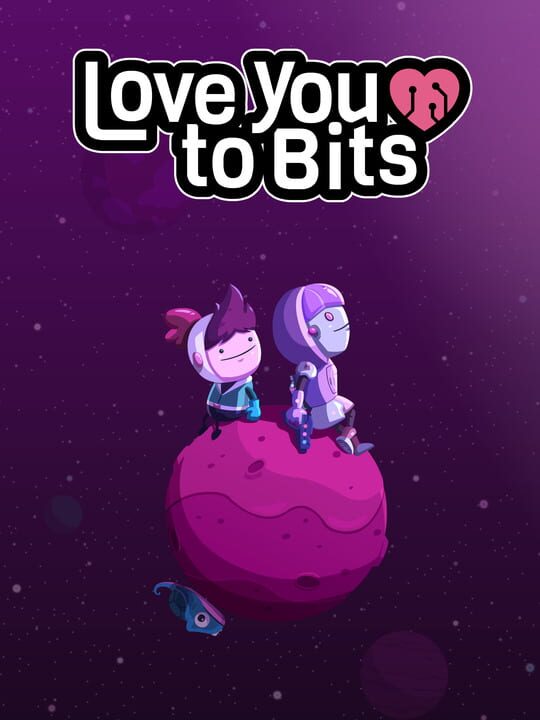
A Point-and-click game by Alike Studio, released in 2016
“Love You to Bits” is a crazy cute, purely visual, puzzle-filled, point-and-click, sci-fi adventure spanning all around the universe. You will follow the journey of Kosmo, a clumsy, rookie space explorer in search of Nova, his robot girlfriend. After a fatal accident, all of Nova’s pieces get scattered in outer space! So now Kosmo wants to retrieve all Nova’s bits, rebuild her, and get back together. Explore the strangest worlds and planets, full of fantastic aliens, space-time puzzles, and hidden objects to collect. As you complete levels, you will discover Kosmo and Nova’s heartbreaking love story!
Current lowest price for Love You to Bits PC key. Verified daily.
⚠️Unable to fetch store prices for Love You to Bits.Please try again later.
The official download size for Love You to Bits is 2 GB. Based on current hardware prices, this installation consumes approximately $0.12 worth of SSD storage space.
File Size
Est. SSD Cost
Estimated Time to Install
2 mins
Live player count and server population analysis.
There are currently people playing Love You to Bits, Data pending.
Manual backup locations for PC, Mac, and Linux.
SteamOS and Linux Proton performance analysis.
Compatibility data for Love You to Bits is currently mixed. Check recent ProtonDB reports for specific launch commands.
PC system requirements - Minimum vs Recommended specs.
To run Love You to Bits smoothly, your PC needs at least 2 GB RAM RAM and a Intel HD Graphics 4000 or dedicated GPU with 512 MB VRAM or equivalent GPU. Plan for 2 GB of storage.
Pending critic evaluation. Check back soon for the official verdict.
Discover more games sharing similar genres.
