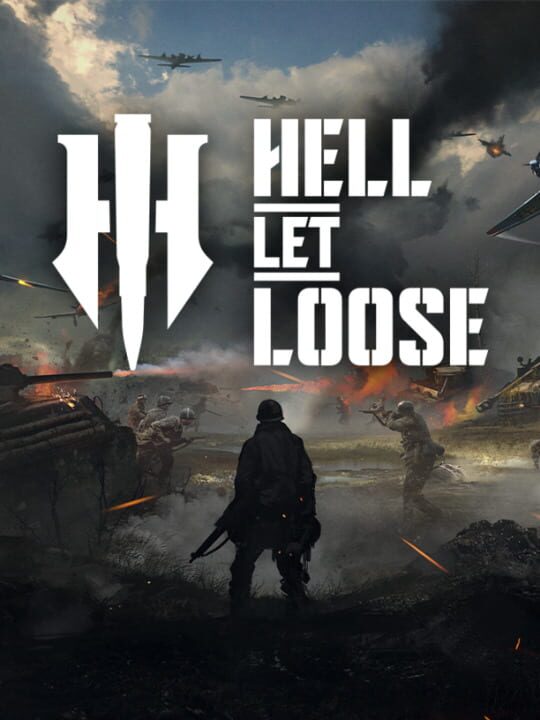
A Shooter game by Expression Games, released in 2019
Fight in the most iconic battles of the Second World War, including El Alamein, Stalingrad, Omaha Beach, and Foy! This is combat at a whole new scale.. with lumbering tanks dominating the battlefield, and crucial supply chains fuelling the frontlines, you are a cog in the machine of colossal combined arms warfare. Hell Let Loose puts you in the chaos of war, complete with deep player-controlled vehicles, a dynamically evolving front line, and crucial unit-focused gameplay that commands the tide of battle.
Current lowest price for Hell Let Loose PC key. Verified daily.
⚠️Unable to fetch store prices for Hell Let Loose.Please try again later.
The official download size for Hell Let Loose is 12 GB. Based on current hardware prices, this installation consumes approximately $0.72 worth of SSD storage space.
File Size
Est. SSD Cost
Estimated Time to Install
16 mins
Live player count and server population analysis.
There are currently 1,746 people playing Hell Let Loose, retaining a dedicated core community despite lower mainstream numbers.
Manual backup locations for PC, Mac, and Linux.
SteamOS and Linux Proton performance analysis.
Don't let the "Unsupported" tag fool you. While Valve hasn't officially verified Hell Let Loose, ProtonDB users report it runs perfectly (Gold/Platinum rating). You may need to force a specific Proton version.
PC system requirements - Minimum vs Recommended specs.
To run Hell Let Loose smoothly, your PC needs at least 16 GB RAM RAM and a NVIDIA GeForce GTX 1060 6GB /AMD Radeon RX 590 8GB or equivalent GPU. Plan for 12 GB of storage.
Aggregated critic scores and player sentiment analysis.
Based on 2 critic reviews, Hell Let Loose has received generally positive feedback. With a solid score of 75, it stands out as a strong entry in the shooter category, though it may have minor flaws.
Discover more games sharing similar genres.
