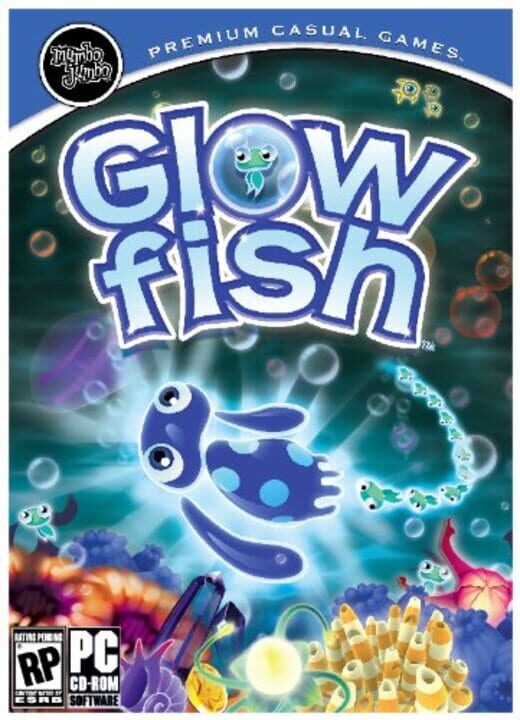
A Puzzle game by MumboJumbo, released in 2011
The evil Dr. Urchin has kidnapped Coralline! It’s up to Glowfish to free his lady friend and sea pals everywhere from his clutches in this underwater platform adventure. Beware—while you scour the ocean floor in search of lost friends waiting for rescue, a host of enemies is lurking! Each level takes you deeper in the unique ocean world with new challenges and enemies at every turn. Gather your friends to make Glowfish bigger and better at challenging the boss on each level. Set the captive friends free by surrounding Glowfish with a powerful circle of friends, or circle the enemy to fire your blasting bubbles and win the battle. Add to your team by collecting powerful Super Chums to help you along the way, and upgrade them by collecting coins to give you even more of an edge in each boss battle! Dive in and be prepared to be dazzled in Glowfish.
Current lowest price for Glowfish PC key. Verified daily.
⚠️Unable to fetch store prices for Glowfish.Please try again later.
The official download size for Glowfish is 0.5 GB. Based on current hardware prices, this installation consumes approximately $0.03 worth of SSD storage space.
File Size
Est. SSD Cost
Estimated Time to Install
0 mins
Live player count and server population analysis.
There are currently 0 people playing Glowfish, Data pending.
Manual backup locations for PC, Mac, and Linux.
SteamOS and Linux Proton performance analysis.
Don't let the "Unsupported" tag fool you. While Valve hasn't officially verified Glowfish, ProtonDB users report it runs perfectly (Gold/Platinum rating). You may need to force a specific Proton version.
PC system requirements - Minimum vs Recommended specs.
Glowfish has modest requirements. Most gaming PCs from the last 5 years should handle it.
Pending critic evaluation. Check back soon for the official verdict.
Discover more games sharing similar genres.
