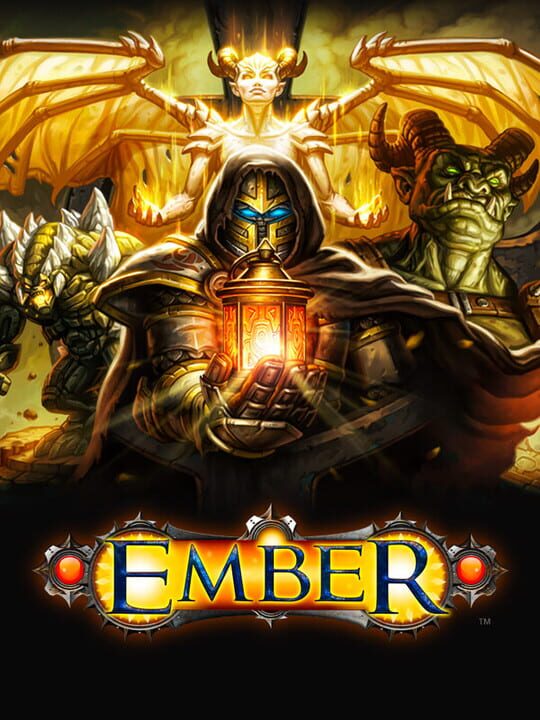
A Fighting game by N-Fusion Interactive, released in 2016
A passion project 10 years in the making, Ember is a homage to classic role-playing games (RPG). Enter the world of Ember as a resurrected “Lightbringer” summoned to protect the dying Embers as the world is on the brink of collapse. Beginning in the Deep Barrows, traverse vast environments divided between aboveground and underground realms – ranging from lush forests to dry deserts and dark abysses – to reach the City of Light. See how the story unfolds through encounters with strangers by making pivotal decisions about your own destiny.
Current lowest price for Ember PC key. Verified daily.
⚠️Unable to fetch store prices for Ember.Please try again later.
The official download size for Ember is 4 GB. Based on current hardware prices, this installation consumes approximately $0.24 worth of SSD storage space.
File Size
Est. SSD Cost
Estimated Time to Install
5 mins
Live player count and server population analysis.
There are currently 0 people playing Ember, Data pending.
Manual backup locations for PC, Mac, and Linux.
SteamOS and Linux Proton performance analysis.
Don't let the "Unsupported" tag fool you. While Valve hasn't officially verified Ember, ProtonDB users report it runs perfectly (Gold/Platinum rating). You may need to force a specific Proton version.
PC system requirements - Minimum vs Recommended specs.
To run Ember smoothly, your PC needs at least 4 GB RAM RAM and a ATI Radeon HD 4870 or NVIDIA GTX 260 or greater or equivalent GPU. Plan for 4 GB of storage.
Aggregated critic scores and player sentiment analysis.
Based on 4 critic reviews, opinion on Ember is divided. While it offers some unique fighting mechanics, the score of 66 suggests inconsistent execution. We recommend checking gameplay footage before buying.
Discover more games sharing similar genres.
