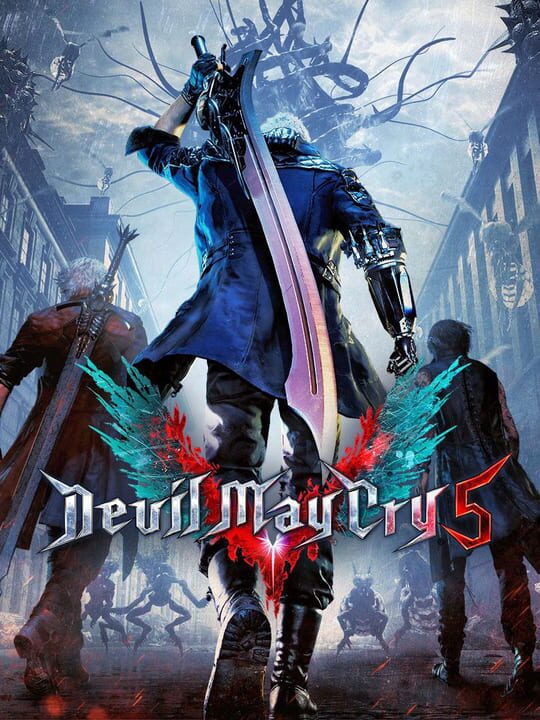
A Hack and slash/Beat 'em up game by Capcom Development Division 1, released in 2019
Devil May Cry 5 is a brand-new entry in the legendary over-the-top action series Devil May Cry. The game features three playable characters, each with a radically different stylish combat play style as they take on the city overrun with demons. Developed with Capcom’s in-house proprietary RE engine, the series continues to achieve new heights in fidelity with graphics that utilize photorealistic character designs and stunning lighting and environmental effects.
Current lowest price for Devil May Cry 5 PC key. Verified daily.
⚠️Unable to fetch store prices for Devil May Cry 5.Please try again later.
The official download size for Devil May Cry 5 is 35 GB. Based on current hardware prices, this installation consumes approximately $2.10 worth of SSD storage space.
File Size
Est. SSD Cost
Estimated Time to Install
47 mins
Live player count and server population analysis.
There are currently 803 people playing Devil May Cry 5, retaining a dedicated core community despite lower mainstream numbers.
Manual backup locations for PC, Mac, and Linux.
SteamOS and Linux Proton performance analysis.
Don't let the "Unsupported" tag fool you. While Valve hasn't officially verified Devil May Cry 5, ProtonDB users report it runs perfectly (Gold/Platinum rating). You may need to force a specific Proton version.
PC system requirements - Minimum vs Recommended specs.
To run Devil May Cry 5 smoothly, your PC needs at least 8 GB RAM RAM and a NVIDIA® GeForce® GTX 1060 with 6GB VRAM or equivalent GPU. Plan for 35 GB of storage.
Aggregated critic scores and player sentiment analysis.
Based on 15 critic reviews, Devil May Cry 5 is universally acclaimed as a genre-defining masterpiece. Scoring a 90/100, it is one of the highest-rated hack and slash/beat 'em up games available, making it an essential purchase.
Discover more games sharing similar genres.
