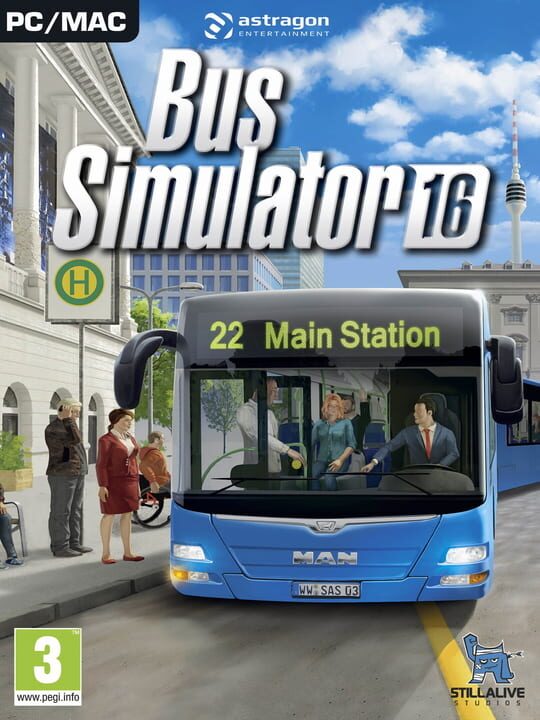
A Racing game by stillalive studios, released in 2016
Win the daily battle with the clock—become a bus driver! Six true-to-life city buses, including two Lion’s City buses licensed by MAN, and a gigantic freely accessible world are waiting for you in Bus Simulator 16. Transport your passengers to their destinations across five authentic city districts safely and on time. Drive a two-door, three-door, or a true-to-life articulated bus through commuter traffic at rush hour, watch out for emergency vehicles, and take detours around construction sites. But watch out, or you will get into trouble for accidents and traffic violations! You also have to maintain order inside the bus. Calm upset passengers, repair stuck doors, sell tickets correctly, and extend the ramp for wheel chair passengers in a timely manner. You will have to be efficient if you want to stick to your schedule, as it is only by doing this that you will build up your reputation in the city, earn the trust of your passengers, and most importantly, make money! The better your reputation, the larger the contracts you can secure, and the more buses will be available to your company in the shop. Unlock additional districts of the city and carefully plan routes for the employees you will acquire in the included job exchange. As you grow more successful, you will also acquire more and more advertising banners for your buses, which bring in additional money. If your buses are too dull, you can paint and decorate them with unlockable decals, ensuring that your passengers reach their destinations in the coolest way possible. You think bus drivers are lonely? Not in Bus Simulator 16! Invite your friends into your game in multiplayer mode and let them take over routes for you. The money they earn can be used to expand your shared company and thus perfect public transportation in your city. You want to drive even more buses and arrange Sunny Springs to fit your expectations? Then you can just construct the city to suit your own taste. Bus Simulator 16 is mod-friendly, and you can use programs like Blender and Gimp to adjust the visual appearance of the existing buses to your liking, as well as integrate your own custom buses and buildings into the game.
Current lowest price for Bus Simulator 16 PC key. Verified daily.
⚠️Unable to fetch store prices for Bus Simulator 16.Please try again later.
The official download size for Bus Simulator 16 is 5 GB. Based on current hardware prices, this installation consumes approximately $0.30 worth of SSD storage space.
File Size
Est. SSD Cost
Estimated Time to Install
6 mins
Live player count and server population analysis.
There are currently 10 people playing Bus Simulator 16, indicating a niche or private community. Coordinate via Discord for best results.
Manual backup locations for PC, Mac, and Linux.
SteamOS and Linux Proton performance analysis.
Don't let the "Unsupported" tag fool you. While Valve hasn't officially verified Bus Simulator 16, ProtonDB users report it runs perfectly (Gold/Platinum rating). You may need to force a specific Proton version.
PC system requirements - Minimum vs Recommended specs.
To run Bus Simulator 16 smoothly, your PC needs at least 8 GB RAM RAM and a GeForce GTX 660 (2 GB VRAM) or comparable graphics card or equivalent GPU. Plan for 5 GB of storage.
Pending critic evaluation. Check back soon for the official verdict.
Discover more games sharing similar genres.
