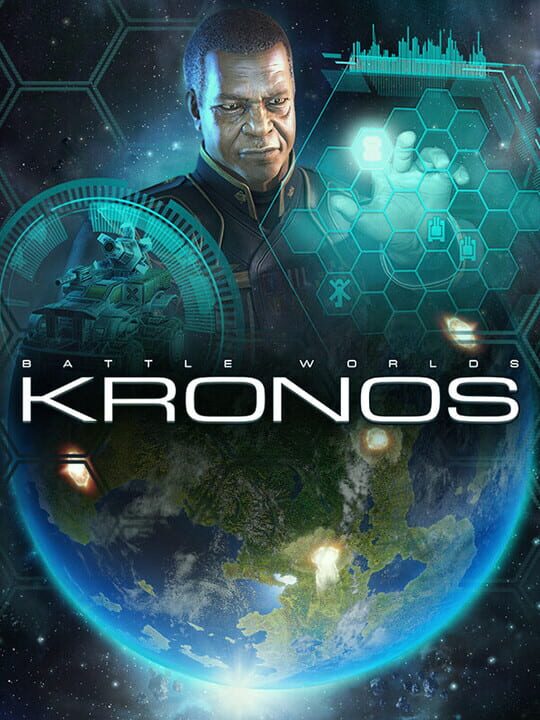
A Simulator game by KING Art, released in 2013
Have you ever asked yourself what a classic turn-based strategy game like „Battle Isle“ or „Panzer General“ would look like today? What modern technology and graphics would add to such a game? Well, we actually did and as a result we decided to bring back this great genre with its unique gameplay experience. We did this for you, for ourselves, and for all the other gamers out there who are into turn-based strategy games. We developed this game together with you, the players. We organized the development as transparent as possible. This means that we regularly created new versions of the game that were available to everyone who pre-ordered the game or backed it on Kickstarter. You were able to test it and share your feedback, improvement suggestions and wishes in the forum. Anyone interested was able to discuss with us in the forum and help make Battle Worlds: Kronos the best game that we could develop together! Be part of the community and join the forum! GAME FEATURES The good stuff - True & challenging turn-based strategy gameplay for experienced gamers. Single Player Campaigns - Fight for the "Yerla" faction, and command a high-tech army. For the Rebels, the „Residents“, deal the biggest damage with what you’ve got and fight a guerilla war against the invading forces. Combined the two campaigns offer you more than 30 thrilling hours of gameplay. Single Player Challenge Maps - Single Player Challenge Maps - Test your skills in different combat scenarios and keep track of your progress. Live Multiplayer - Battle your friends live on the internet or via hot-seat. Asynchronous Multiplayer - Take all the time you need and consider your moves. Similar to “play-by-mail”, after your round the game is stored on our server and then turned over to your opponent. The system allows you to continue the match anytime and anywhere you want. Strong AI - A clever AI that considers gameplay on various tactical and strategic levels as well as individual enemy characteristics will challenge even experienced commanders. Community – We hope there will be a vibrant community using the game’s ladder system and enjoying regular tournaments. Variety - Around 40 different infantry, ground, naval and airborne units, as well as buildings, many of whom can be upgraded to obtain new capabilities. Map Editor - A powerful editor (Windows only) to create your own maps and missions. A fair deal - No “free-to-play” scheme, no DLC rip-off, no DRM. Free choice – The game is available for PC, Mac and Linux and will be playable in all relevant browsers.
Current lowest price for Battle Worlds: Kronos PC key. Verified daily.
⚠️Unable to fetch store prices for Battle Worlds: Kronos.Please try again later.
The official download size for Battle Worlds: Kronos is 3 GB. Based on current hardware prices, this installation consumes approximately $0.18 worth of SSD storage space.
File Size
Est. SSD Cost
Estimated Time to Install
4 mins
Live player count and server population analysis.
There are currently 7 people playing Battle Worlds: Kronos, indicating a niche or private community. Coordinate via Discord for best results.
Manual backup locations for PC, Mac, and Linux.
SteamOS and Linux Proton performance analysis.
Compatibility data for Battle Worlds: Kronos is currently mixed. Check recent ProtonDB reports for specific launch commands.
PC system requirements - Minimum vs Recommended specs.
To run Battle Worlds: Kronos smoothly, your PC needs at least 2 GB RAM RAM and a DirectX 9c compatible with 256 MB RAM or equivalent GPU. Plan for 3 GB of storage.
Aggregated critic scores and player sentiment analysis.
Battle Worlds: Kronos has struggled to impress critics, sitting at a low score of 55. Common complaints cite technical issues or gameplay flaws. Only recommended for die-hard fans of the genre.
Discover more games sharing similar genres.
