GamesOA Logo
GamesOver Analyzed
⌘K

GamesOA © 2026

The ultimate PC game compatibility database.

AboutPrivacy PolicyTerms of ServiceContact
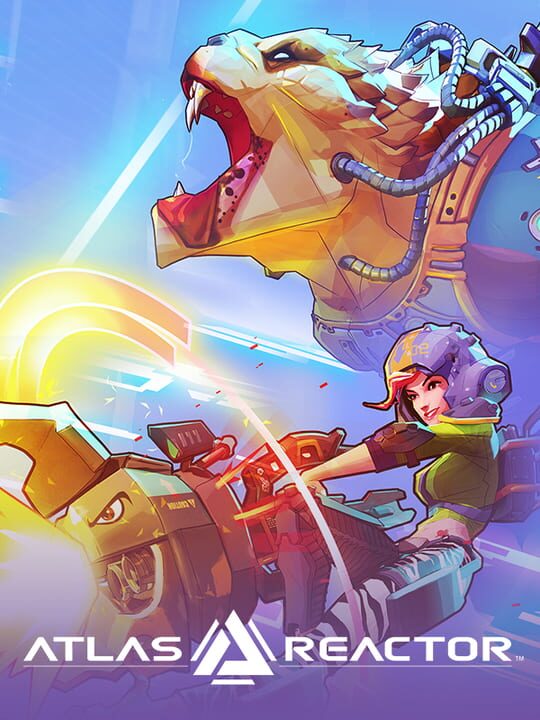
Atlas Reactor cover

Atlas Reactor

A Fighting game by Trion Worlds, released in 2016

82/100🔴Niche / Inactive🥉Proton BronzePC (Microsoft Windows)

Atlas Reactor is a 4v4 team-based tactical/strategic PvP game that uses simultaneous turns with 4 action phases during combat. Prep -> Dash -> Blast -> Move. Players can't Move after a Dash action. The players on both teams are given 20 seconds to choose an action each turn that is then played out in order. Prep and Blast actions are shown individually for a better idea of what has happened during their phases. Dash and Move actions are shown simultaneously during their phases.

MultiplayerCo-operative

Buy Atlas Reactor - Best Price

Current lowest price for Atlas Reactor PC key. Verified daily.

Price unavailable
Real-time Atlas Reactor deals

⚠️Unable to fetch store prices for Atlas Reactor.Please try again later.

Atlas Reactor Download Size

We are currently tracking official storage requirements for Atlas Reactor. Check back for updates on install size and SSD costs.

Is Atlas Reactor Dead?

Live player count and server population analysis.

🔴Niche / Inactive
0Players Online

There are currently 0 people playing Atlas Reactor, Data pending.

Current Activity24h Peak: 120
Estimated Match Wait: Long Wait / Discord Required
Live Data from SteamAPI

Where is the Atlas Reactor save file?

Manual backup locations for PC, Mac, and Linux.

Steam Cloud Supported
Copy
%USERPROFILE%\AppData\Local\AtlasReactor\Saved\SaveGames

How to backup manually on Windows

  1. Press Win + R to open the Run dialog.
  2. Paste the path above and press Enter.
  3. Locate the save files (usually .sav, .json, or similar).
  4. Copy the entire folder to a backup location.
Copy
~/Library/Application Support/AtlasReactor/Saves

How to backup manually on Mac

  1. Open Finder and press ⌘ + Shift + G.
  2. Paste the path above and click Go.
  3. Locate the save files in the folder.
  4. Duplicate the folder to create a backup.
Copy
~/.local/share/AtlasReactor/Saves

How to backup manually on Linux

  1. Open a terminal and use cd to navigate to the path.
  2. Or use your file manager and press Ctrl + L to enter the path.
  3. Locate the save files (.sav, .json, or game-specific format).
  4. Copy the folder with cp -r or your file manager.
Source: PCGamingWiki ↗

Is Atlas Reactor Steam Deck Compatible?

SteamOS and Linux Proton performance analysis.

Valve Official🚫Unsupported
Community Rating🥉 Proton Bronze

Performance Analysis

Proceed with caution. Atlas Reactor currently struggles on Linux/Steam Deck due to anti-cheat or codec issues. Streaming from a PC is recommended instead.

Confidence: Moderate
See 6 user configs ↗

Can I Run Atlas Reactor?

System requirements not available for this title.

Is Atlas Reactor Good?

Aggregated critic scores and player sentiment analysis.

82
Rated 82 out of 100
Generally Favorable5 Verified Reviews

The Verdict

Based on 5 critic reviews, Atlas Reactor has received generally positive feedback. With a solid score of 82, it stands out as a strong entry in the fighting category, though it may have minor flaws.

Other games you may like

Discover more games sharing similar genres.

2021

Fights in Tight Spaces

View Details
2016

Dungeon Rushers

View Details
2025

Knights in Tight Spaces

View Details
2016

Darkest Dungeon

View Details
2016

XCOM 2

View Details
2004

Rome: Total War

View Details
2006

Medieval II: Total War

View Details
2011

Total War: Shogun 2

View Details