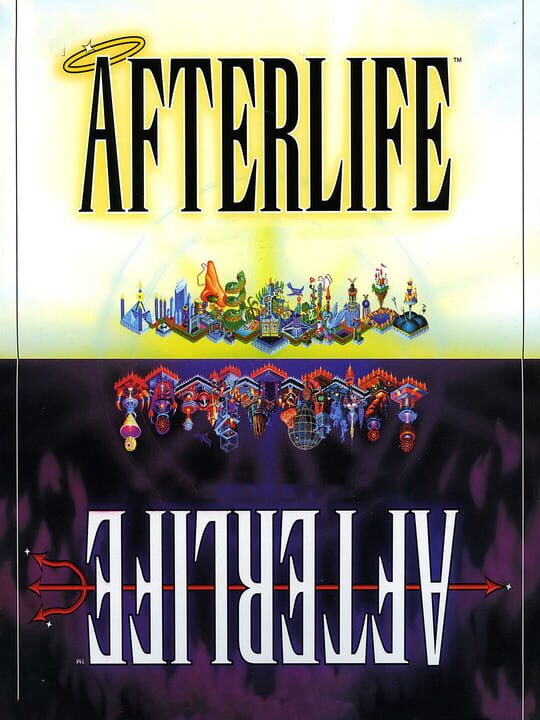
A Simulator game by LucasArts, released in 1996
Telling people where to go is just the beginning. Welcome to Afterlife, a world-building simulation that lets you create the hereafter in the here and now. Possessed of an unearthly sense of humor, it all begins in a god-knows-where galaxy. As a "regional spiritual director" your task, given to you by the Powers That Be, is to develop two prime planes of “unreal estate” - heaven and hell - simultaneously. Keep the billions of souls happy by giving them the rewards and punishments they deserve. The wages of sin are plentiful. Open up your afterlife with the Pearly Gates of Heaven or the Fiery Gates of Hell, zone for the Seven Deadly Sins and/or their respective Virtues. Then lay down some roads. Soon, the dearly departed arrive in droves. Keep them in your afterlife and you flourish. Lose too many along the way and it may mean a visit from the Four Surfers of the Apocalypso (not a good time). Factor in a half-dozen or so supernatural disasters (not including total annihilation), money problems and headaches from the planet and you're in for infinite hours of gameplay.
Current lowest price for Afterlife PC key. Verified daily.
⚠️Unable to fetch store prices for Afterlife.Please try again later.
The official download size for Afterlife is 0.25 GB. Based on current hardware prices, this installation consumes approximately $0.01 worth of SSD storage space.
File Size
Est. SSD Cost
Estimated Time to Install
0 mins
Live player count and server population analysis.
There are currently 0 people playing Afterlife, Data pending.
Manual backup locations for PC, Mac, and Linux.
SteamOS and Linux Proton performance analysis.
Don't let the "Unsupported" tag fool you. While Valve hasn't officially verified Afterlife, ProtonDB users report it runs perfectly (Gold/Platinum rating). You may need to force a specific Proton version.
PC system requirements - Minimum vs Recommended specs.
To run Afterlife smoothly, your PC needs at least 512 MB RAM RAM and a 3D graphics card compatible with DirectX 9.0c or equivalent GPU. Plan for 0.25 GB of storage.
Pending critic evaluation. Check back soon for the official verdict.
Discover more games sharing similar genres.
